




Our App, Save
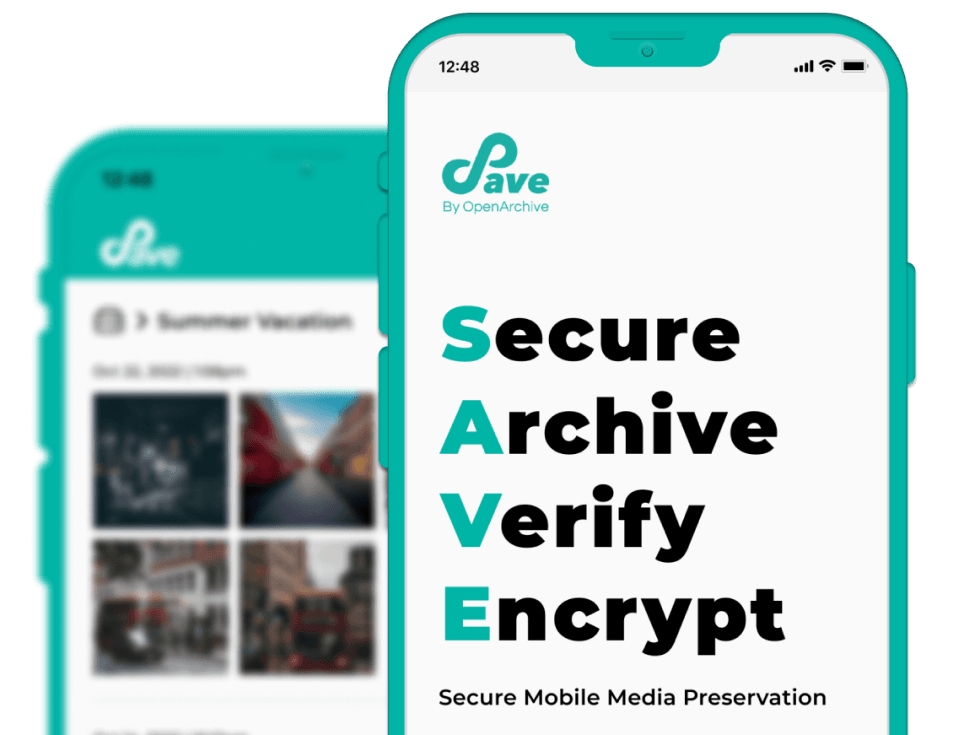
Save is an intuitive, privacy-first decentralized mobile archiving app that helps people preserve their media for the long term.





Secure
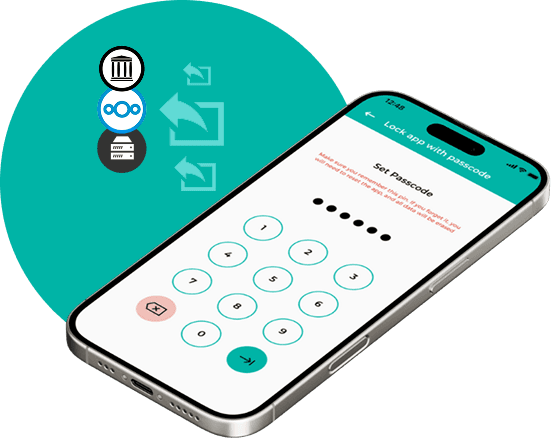
Send your media securely and lock the app with a pin.

Archive
Keep your media verifiable, safe, and organized for the long term by uploading it to private or public servers like Nextcloud or the Internet Archive.
Communicate your intentions for future use by adding a Creative Commons license.
Verify
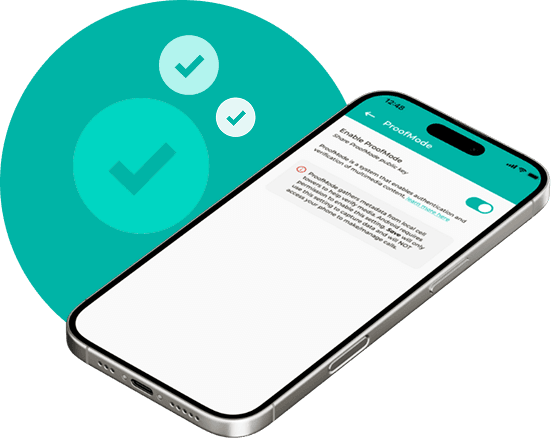
Authenticate and verify your media with sha256 hashes and ProofMode.
Encrypt
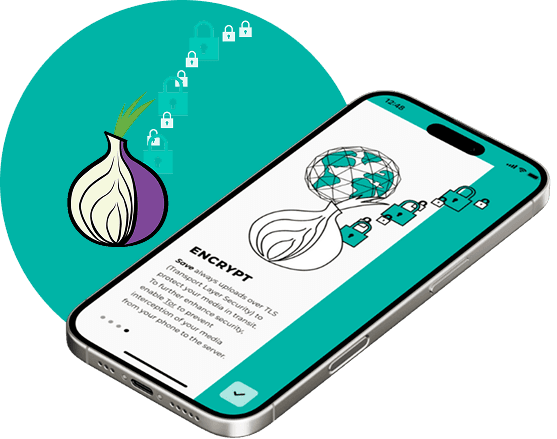
Save always uploads over TLS (Transport Layer Security) to protect your media in transit.
To further enhance security, enable Tor to prevent interception of your media while it travels from your phone to its destination.
Secure
Send your media securely and lock the app with a pin.
Archive
Keep your media verifiable, safe, and organized for the long term by uploading it to private or public servers like Nextcloud or the Internet Archive.
Communicate your intentions for future use by adding a Creative Commons license.
Verify
Authenticate and verify your media with sha256 hashes and ProofMode.
Encrypt
Save always uploads over TLS (Transport Layer Security) to protect your media in transit.
To further enhance security, enable Tor to prevent interception of your media while it travels from your phone to its destination.
About Save
Save is an intuitive mobile app designed to help you securely verify, share, and archive your mobile media. It's free, open-source, and available for iOS and Android.
Designed to equally prioritize privacy and usabilty, Save streamlines media workflows to make it easy for people to securely archive their mobile media.
Getting Started
Download the app (iOS, Android), read our How to Use Save Guide, and watch our video tutorials.
Features
Save is the only secure mobile media archiving app of its kind. Unlike other media-sharing tools, Save offers a suite of responsive features that streamline secure preservation based on community input and extensive field testing.


Authenticate media
With Save, you ensure your media is always authenticated because you have full control—without interference from intermediaries—from phone to archive. And, when paired with ProofMode, you can even add sensor data to corroborate the metadata captured alongside your media.

Secure transit
Save always uses TLS (Transport Layer Security) to ensure in-transit security and encryption. When you enable Tor, you add an additional layer of protection to ensure no one intercepts your media as it travels from your phone to your server of choice.

Long-term Preservation
When you use Save to archive your mobile media in a trusted archive (such as the Internet Archive or OwnCloud), you ensure unobstructed access for generations to come. This is in stark contrast to popular social media platforms that aren’t committed to long-term media preservation.

Licensing
With Save you can communicate your intentions for future use by easily generating a Creative Commons license in-app allowing others to know your preferences for reuse or modification.

Stay Organized
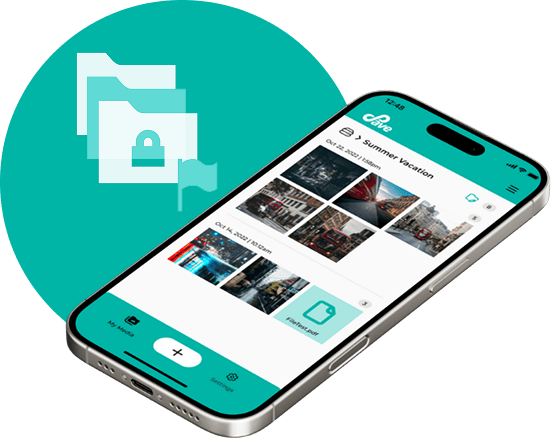
Save's easy-to-use design allows teams and individuals to seamlessly streamline media from many phones into organized folders specific to each contributor.

Add Metadata
Save lets you add metadata like location and notes to your archived media.

Flag Significant Content
You can flag certain media as “significant” to alert reviewers that this folder contains sensitive media or just use it as a “favorites” folder.

Import Media
Save allows you to import and share media from other apps on your phone, including audio, notes, and pdf files.

Improve Redundancy
With Save you can further protect your media by creating and storing multiple copies on different secure servers or the decetnralized web. Whether hosting locally or remotely, your data can be encrypted on the backend and only accessible by who you want.

View Progress
When storing media via Save, you can view how much content has been uploaded.

Prioritize Uploads
Prioritize particular media to upload first over others (e.g., order smallest files first and largest files last).




